
Available on iOS
Every road
remembers.
Trek Pins turns your travels into a living atlas — the cities, the points of interest, the small streets you never want to forget. Map them. Mark them. Carry them with you.
Begin
Trek Pins turns your travels into a living atlas — the cities, the points of interest, the small streets you never want to forget. Map them. Mark them. Carry them with you.
Drop a pin in Kyoto. Another in Marrakech. Watch the world re-color itself, one journey at a time. Trek Pins remembers where you’ve been, where you’re going, and the place you call home.

From the corner café in Lisbon to the summit you swore you’d reach — every feature is shaped around the way real travelers actually remember.
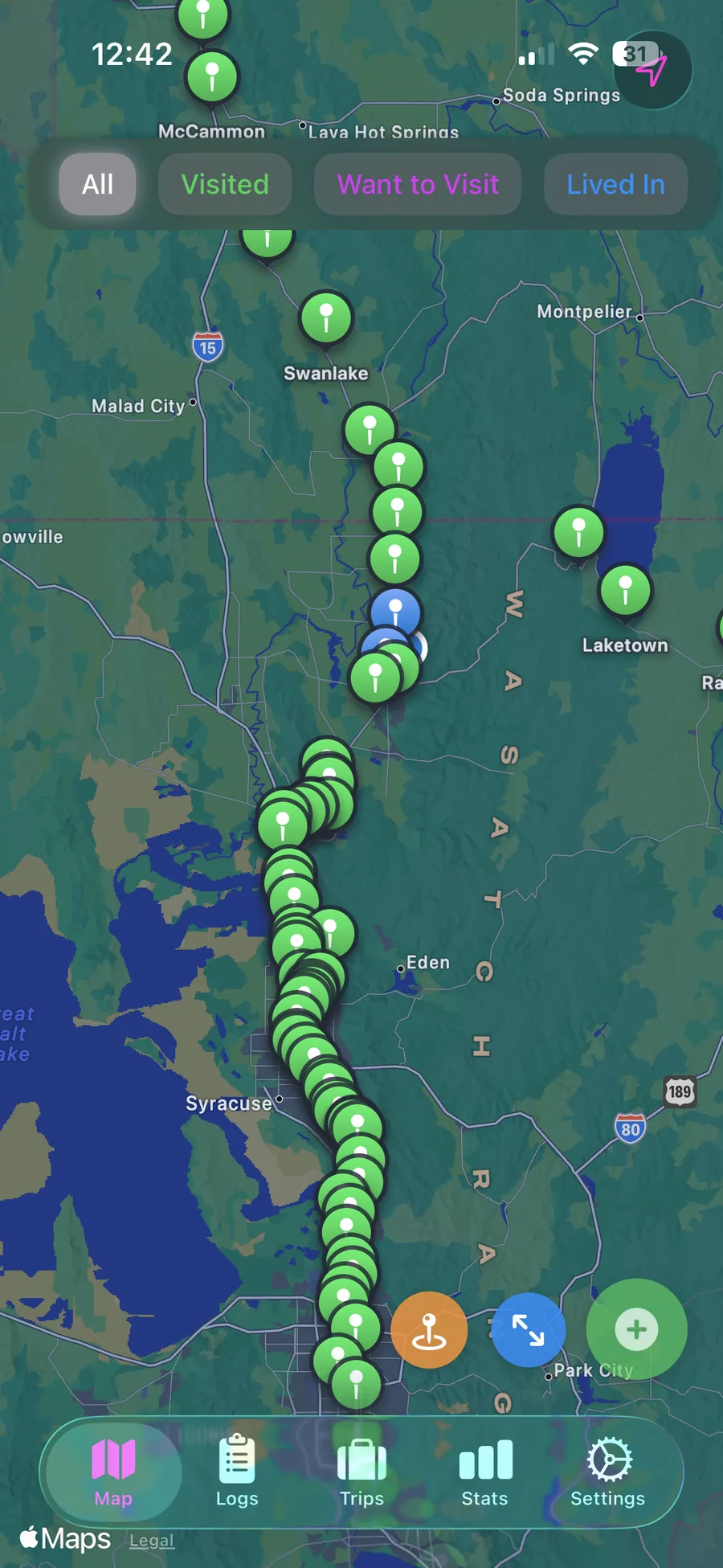
Mark cities you've visited, want to go to, and lived in — all on a beautiful interactive map, color-coded at a glance.
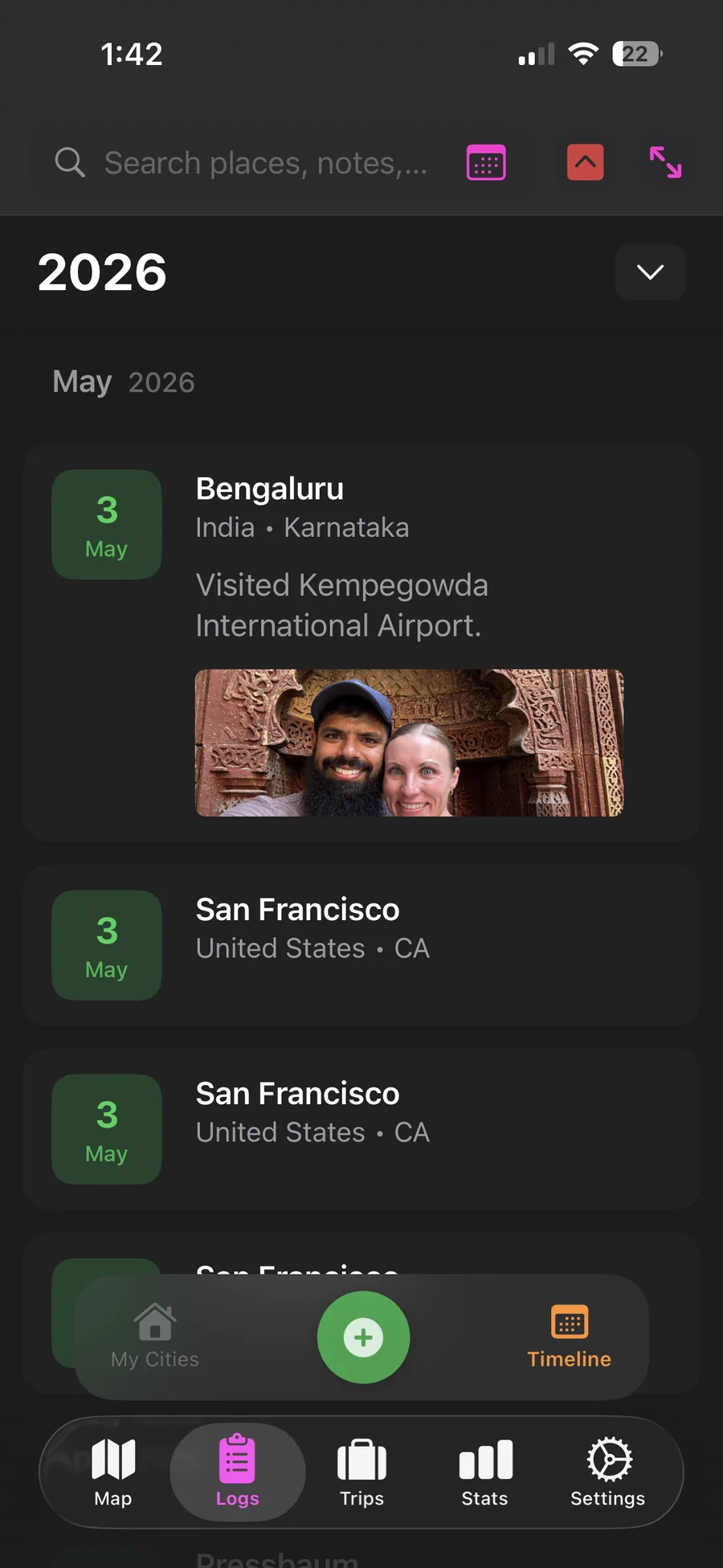
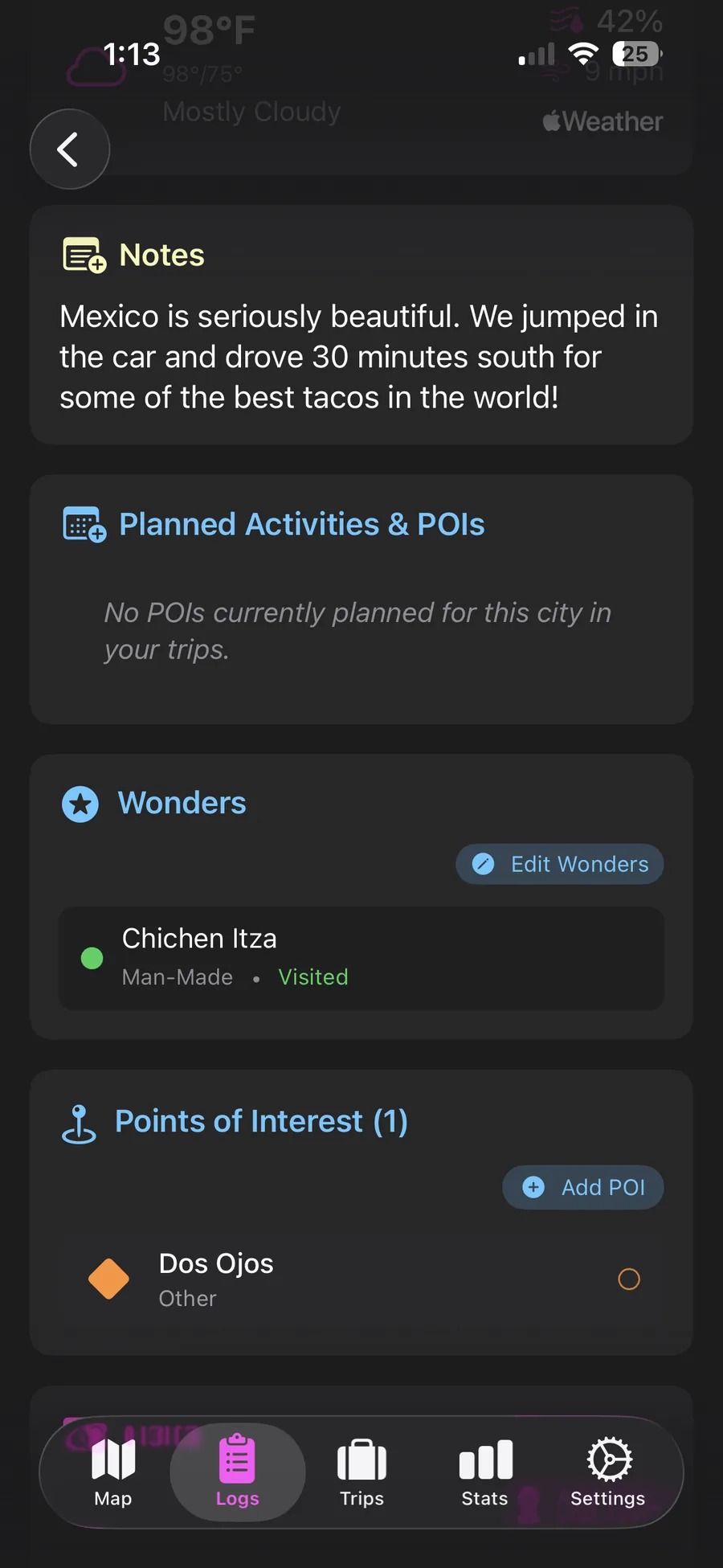
Add visits with dates, notes and photos. Every city becomes a small chapter — yours to revisit any time.
Browse your places organized by country and region, or scroll your timeline year by year. The shape of your travels, made plain.
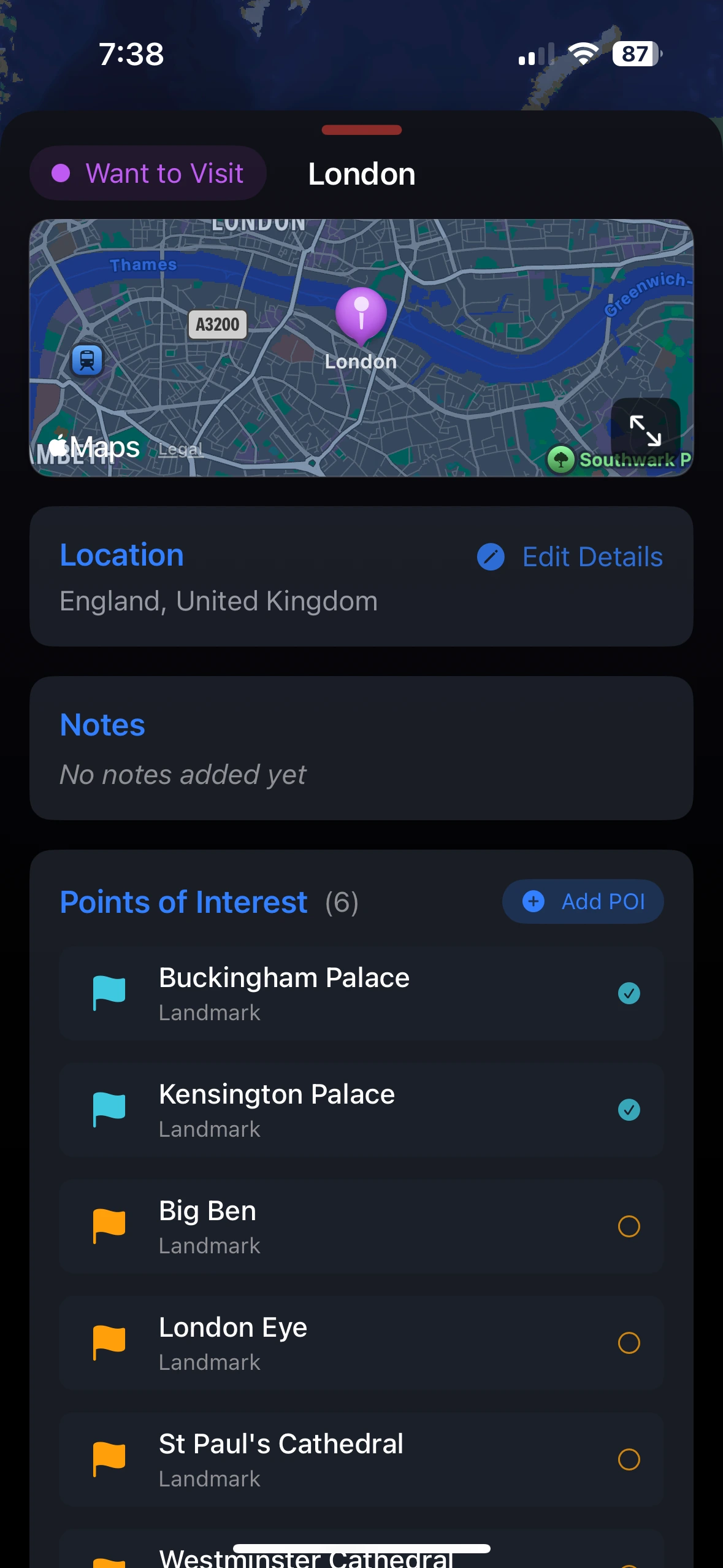
Mark exact spots — sights, cafés, hidden gems. Add notes and photos to capture the soul of every Point of Interest.
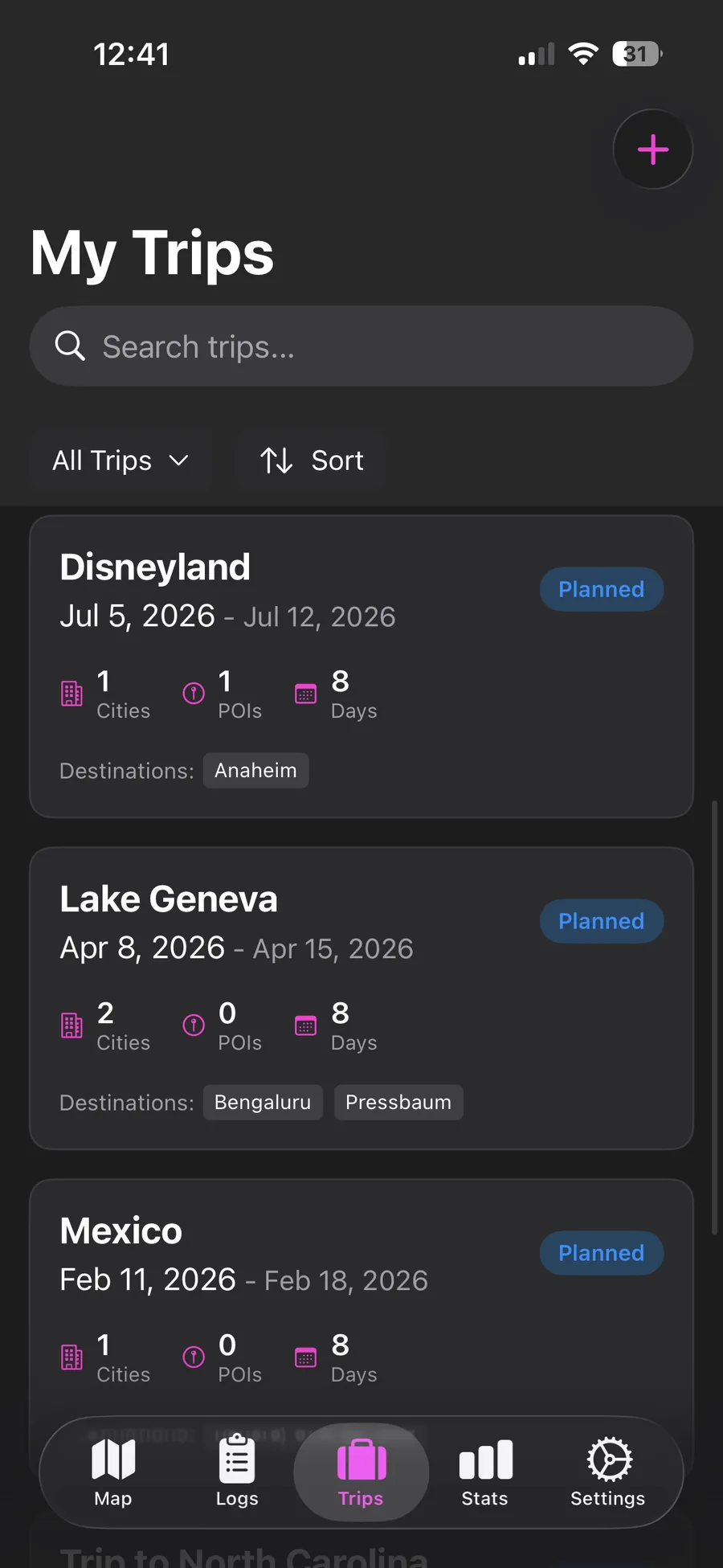
Group destinations, map out routes, organize daily itineraries. Keep every detail of your adventure in one seamless plan.
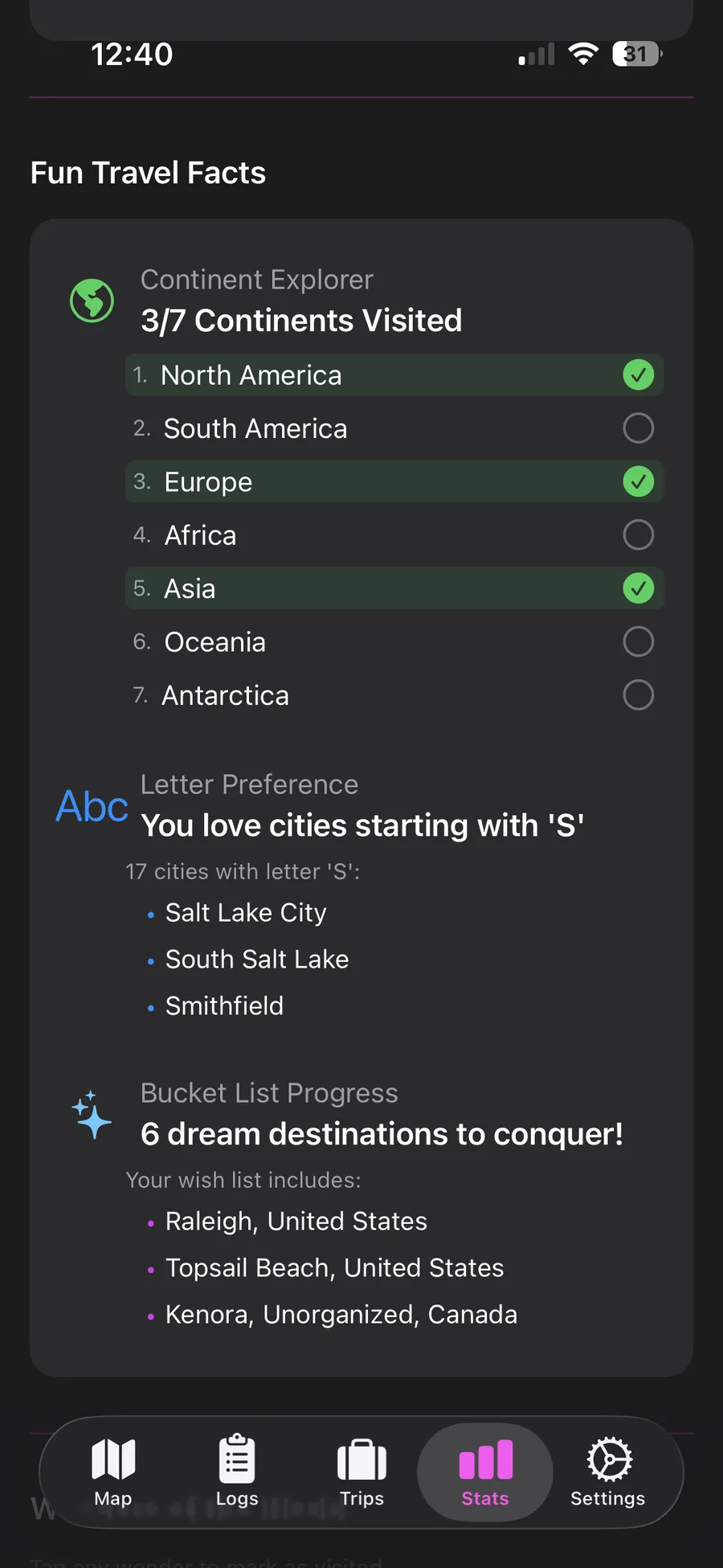
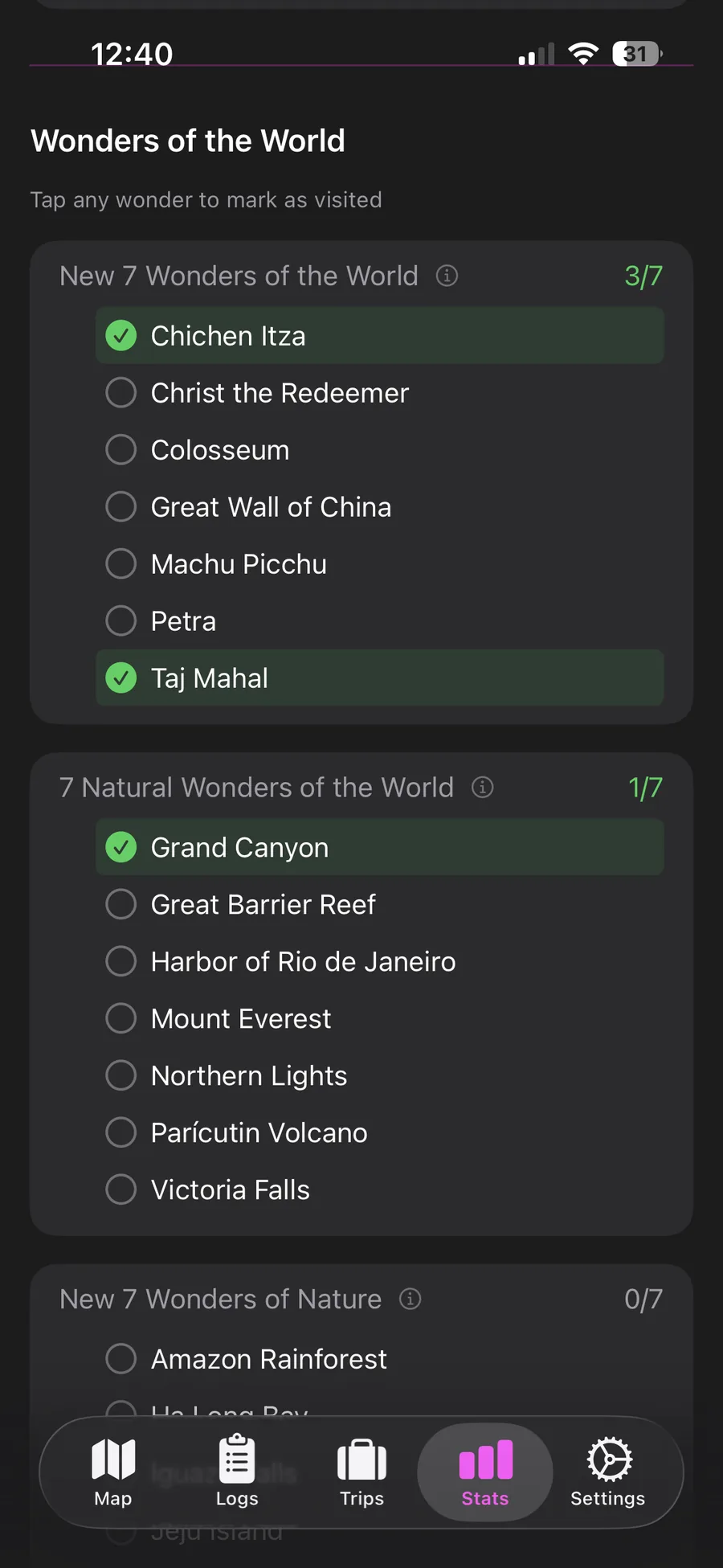
See the stats behind the journeys — countries visited, distances traveled, regions explored. The numbers tell their own story.
Trek Pins quietly notices when you've arrived somewhere new and prompts you to add it. The map keeps up with you.
Each visit captures the weather of the moment — so you remember not just where you were, but what the day felt like.
Your atlas, kept safe and synced across every Apple device. Open it on iPhone, iPad, or Mac — it's all already there.
A quiet interface that gets out of the way of your story. Built for the long flight, the late café, the moment you land.


A flow shaped by how travelers actually move — restless, curious, occasionally offline.
Search, tap the map, or let auto-detection nudge you when you arrive somewhere new.
Visited, want to visit, or lived in. The map colors itself accordingly, at a glance.
Add the dates, notes and photos. Trek Pins captures the weather of the day with you.
Drop POIs for cafés, sights, hidden spots. Cities tell the where; POIs tell the why.
Group destinations, map routes, build day-by-day itineraries for the journey ahead.
iCloud keeps your atlas synced across iPhone, iPad and Mac — no accounts, no fuss.
The texture you only feel after a hundred pins. Here’s what’s under the gold.
Three states, one glance: visited, want to visit, and lived in. Each pin tells the map where you stand with a place. Browse by country and region, or sweep through your timeline year by year.
Cities are the headline. The real story is in the corner café, the viewpoint at the back of the trail, the bookshop you stumbled into. POIs let you mark exact spots — searchable, photographable, yours.
Each city becomes a stack of visits — the spring trip, the long winter, the layover. Add dates, notes, photos, and Trek Pins captures the weather of the moment so the memory comes back whole.
Cross into a new city and Trek Pins gently asks if you'd like to add it. Everything you log is mirrored across your Apple devices through iCloud — no accounts to manage, no servers to trust.

Trek Pins is a free download on the App Store. Your first hundred pins are waiting.